Free printable QR code cards for your event photo album
27 designs, all of them free. Print one on A4, stand it on the tables, and every guest who points a camera at it lands in your shared album and starts uploading. No app to install, nothing to sign up for.
How the cards work
Name your event and you get a permanent share link and QR code. Free, and no card details.
Choose one of the 27 designs, set the title and the two lines of text, adjust the two colours, download the PNG.
A4 on card stock, one per table. Guests scan with the camera app and upload straight from their phone.
Photos and videos land in one shared gallery that updates during the event, and you can put that gallery on a projector as a live slideshow. Albums keep their contents for 12 months.
The 27 designs
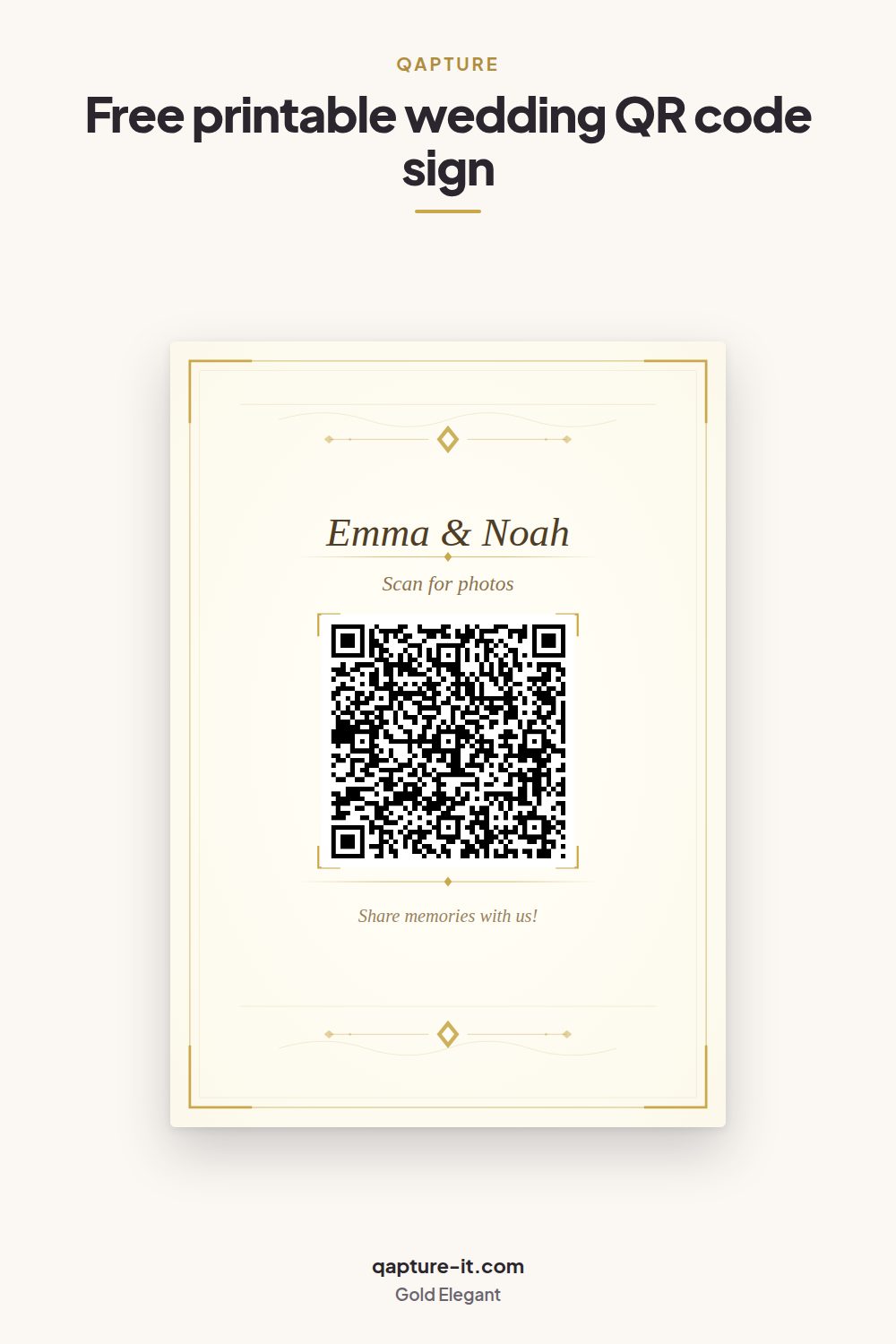
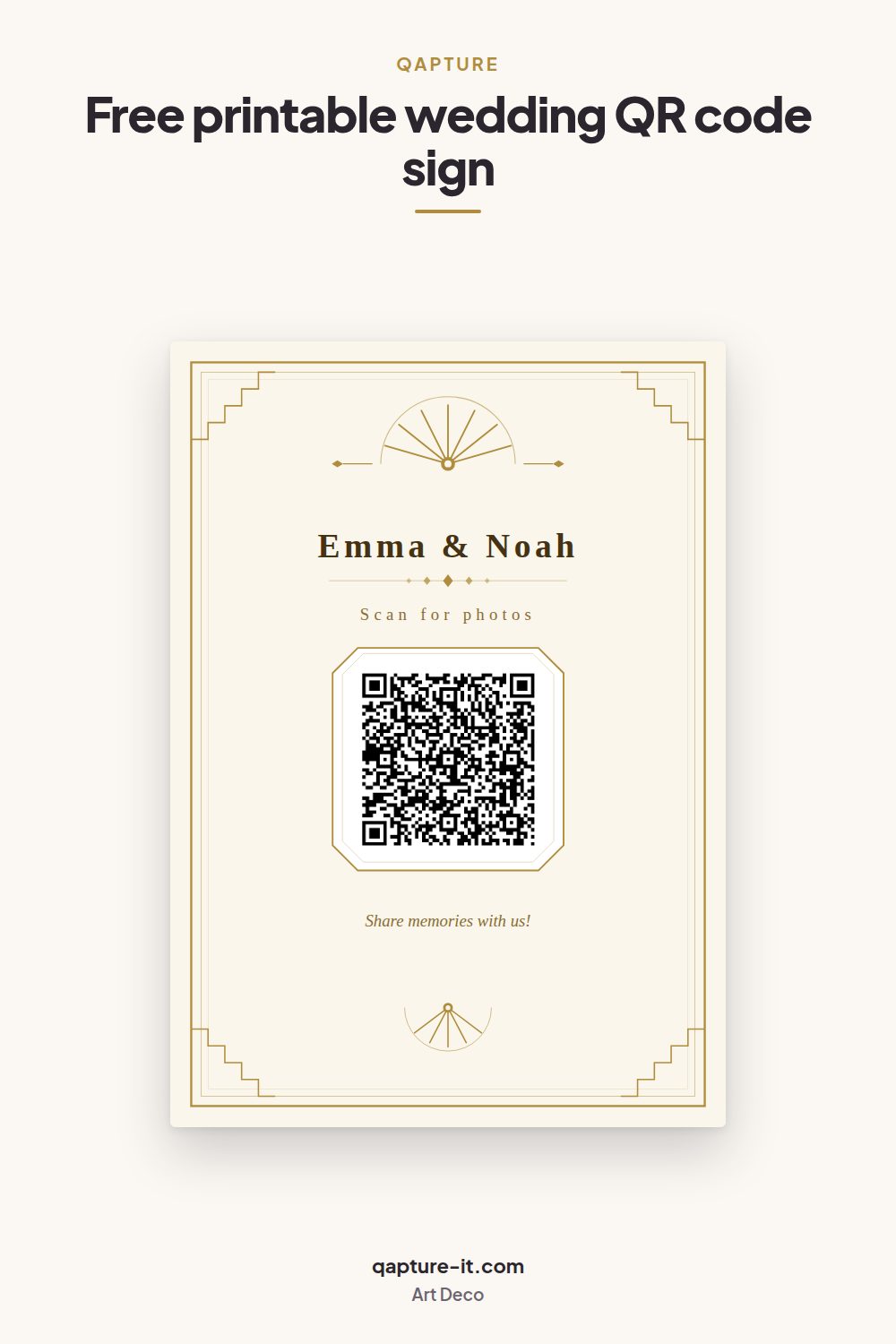
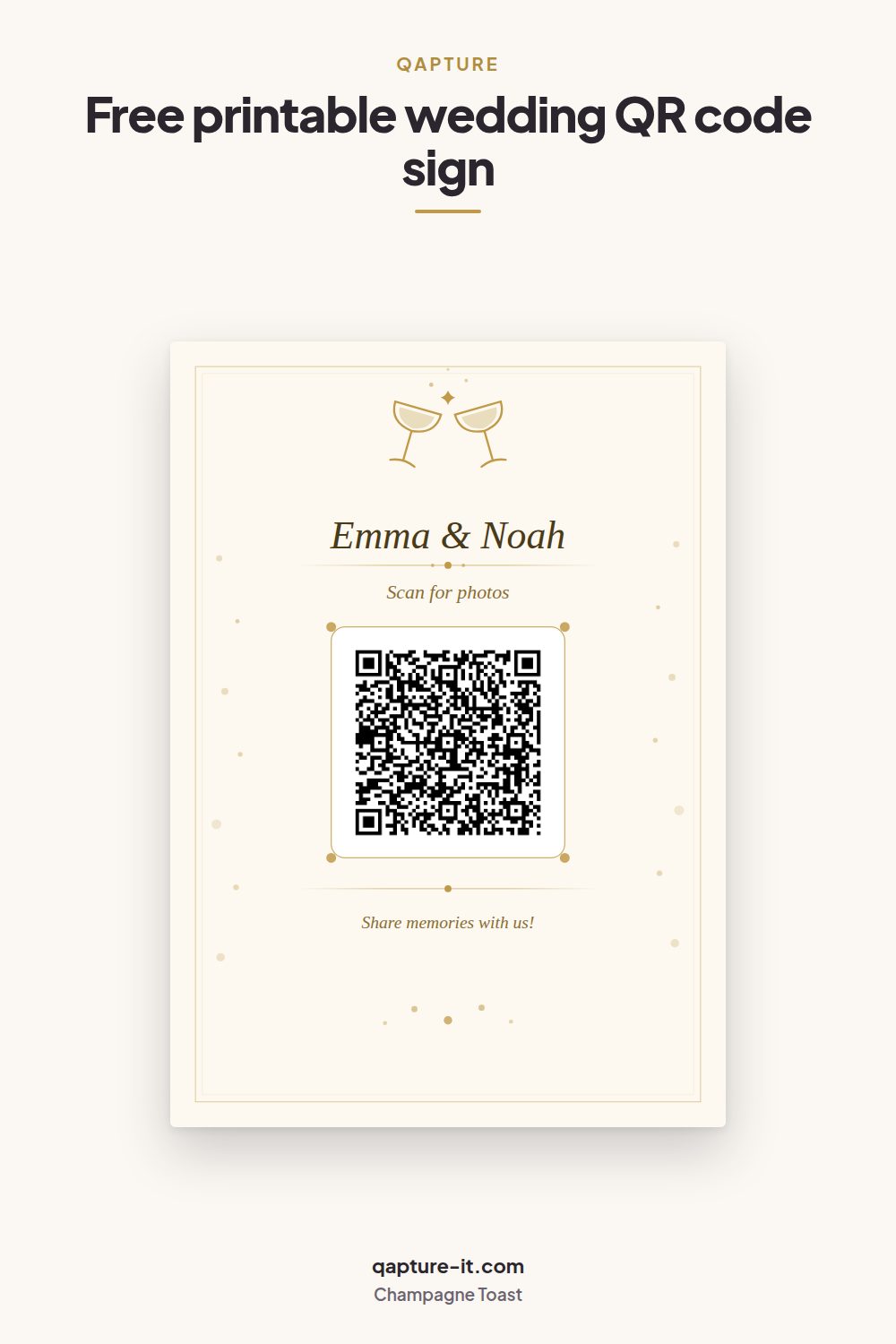
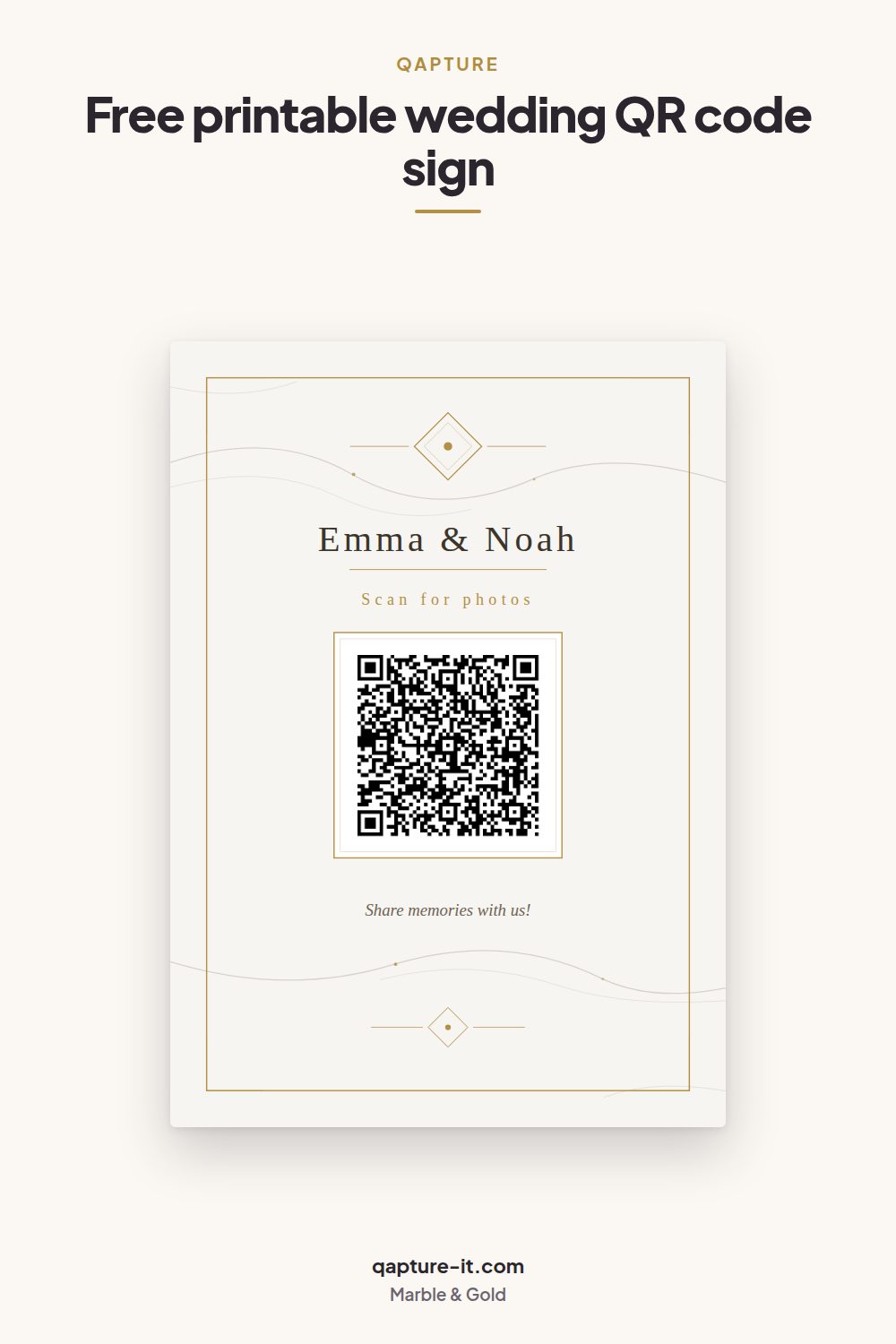
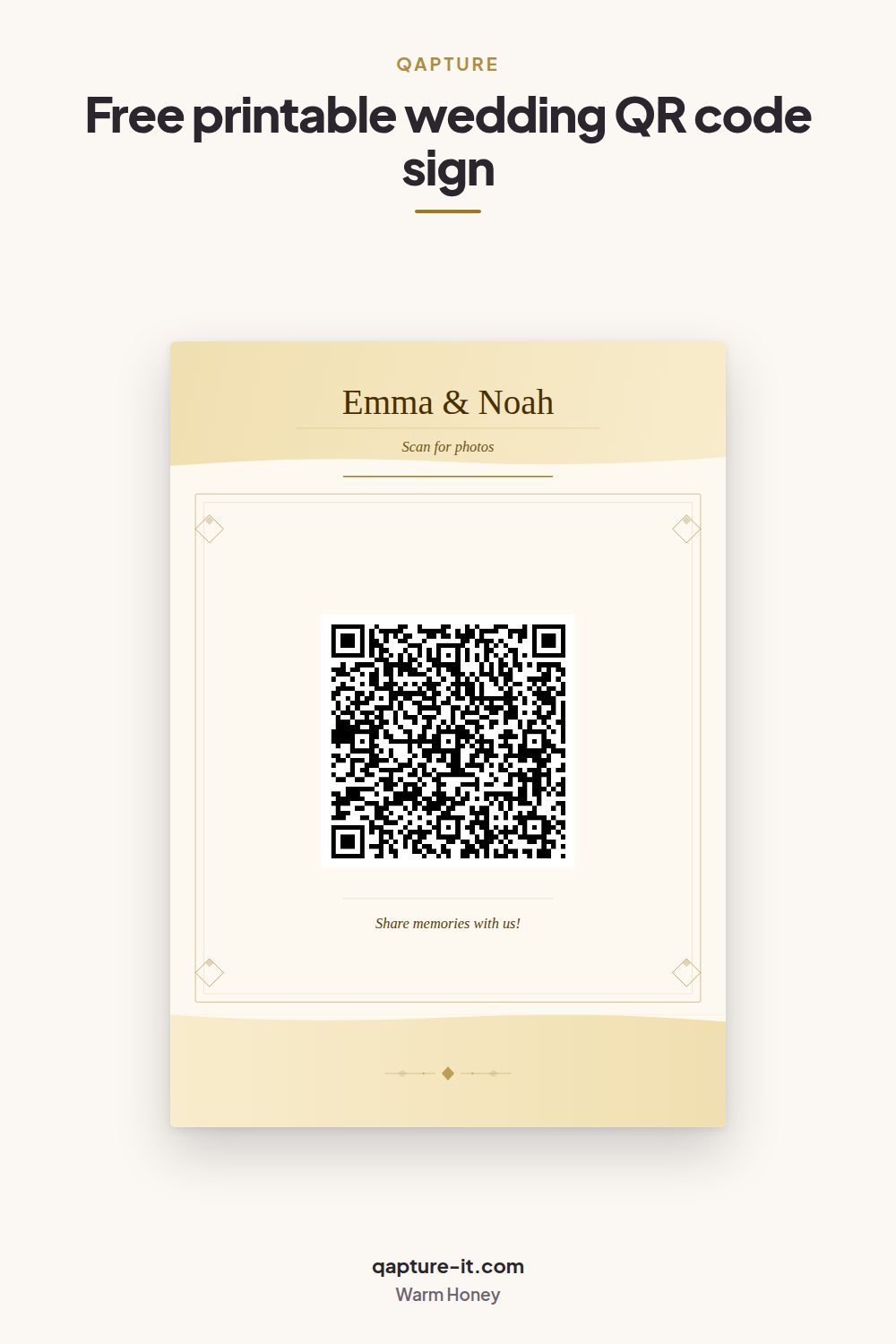
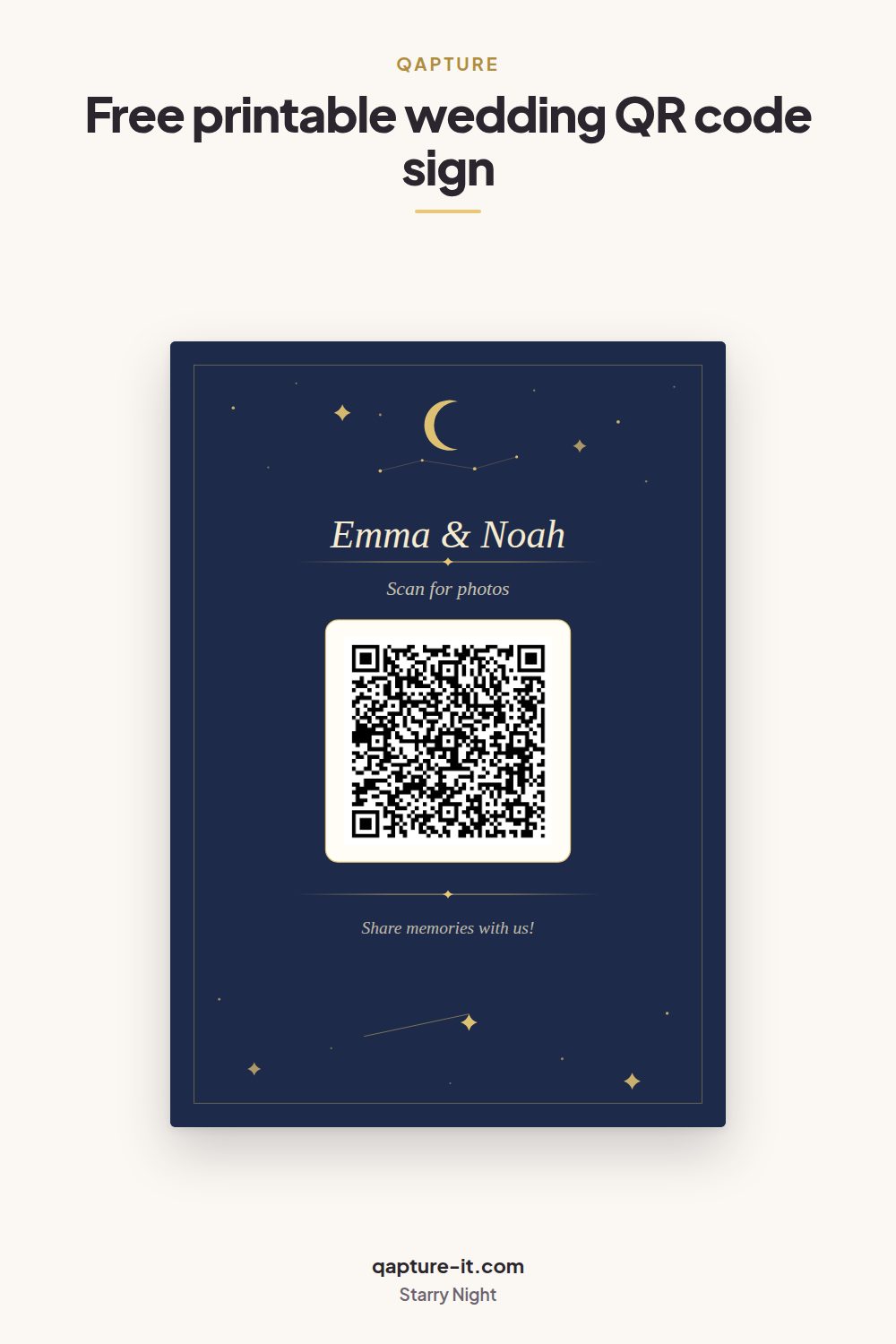
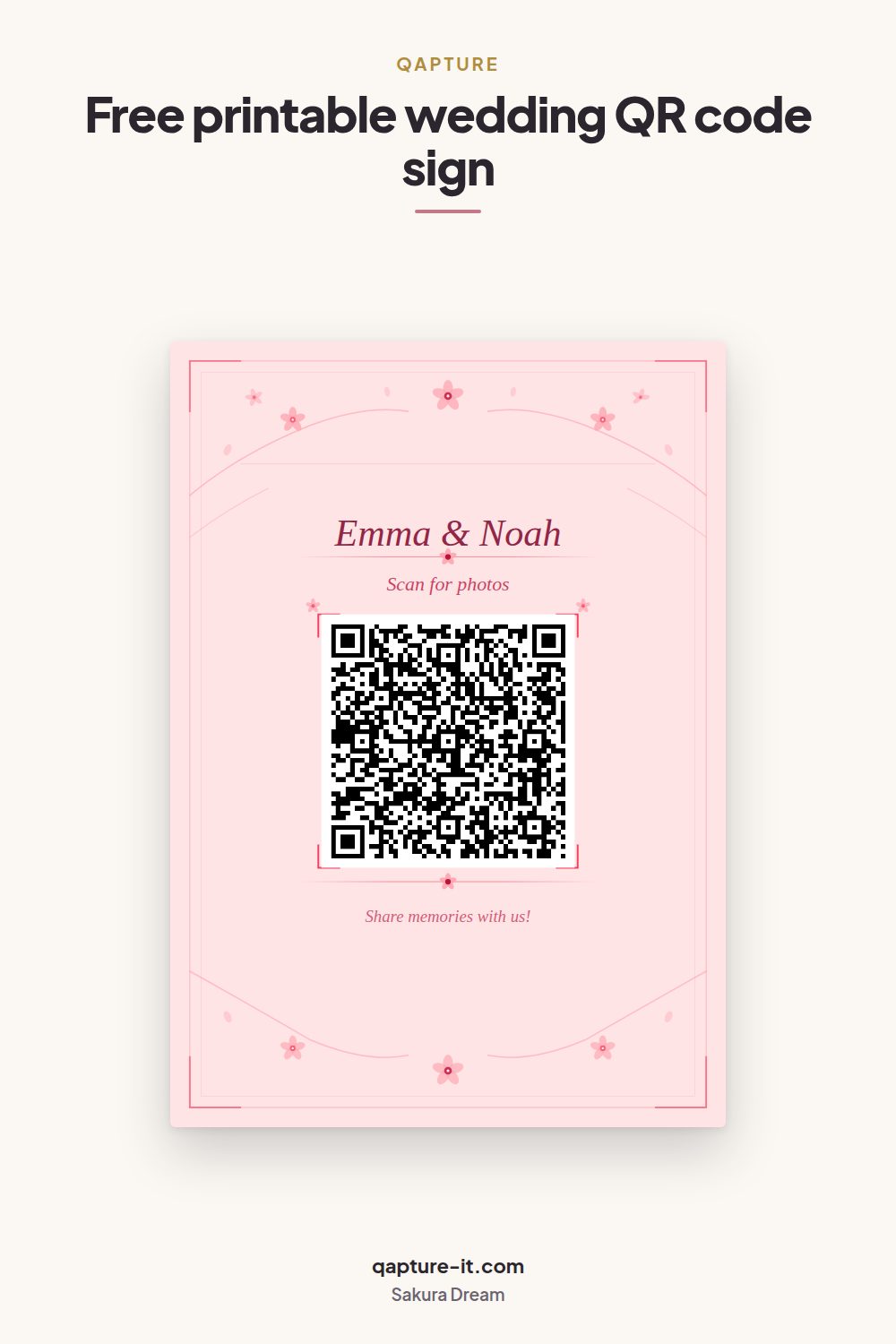
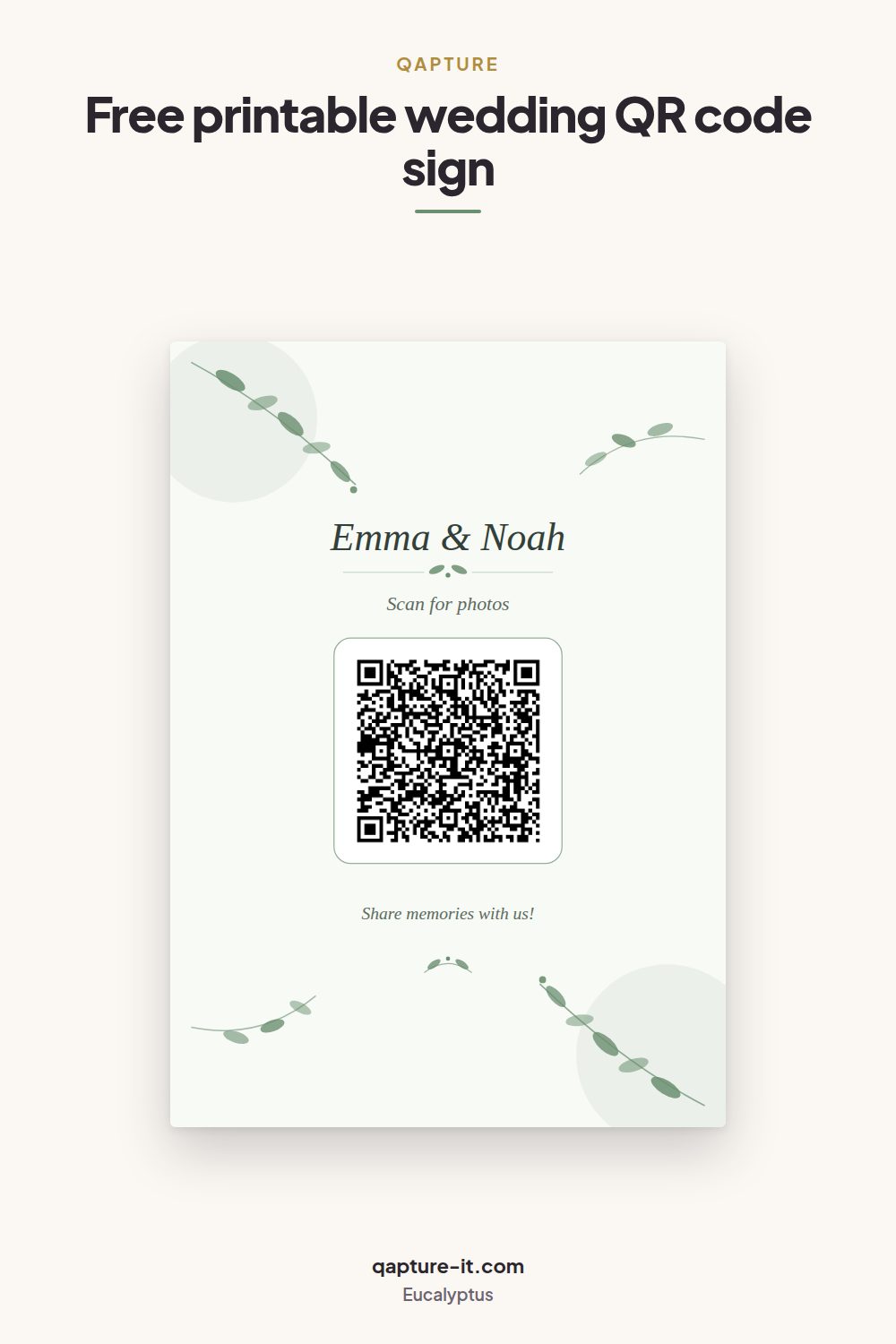
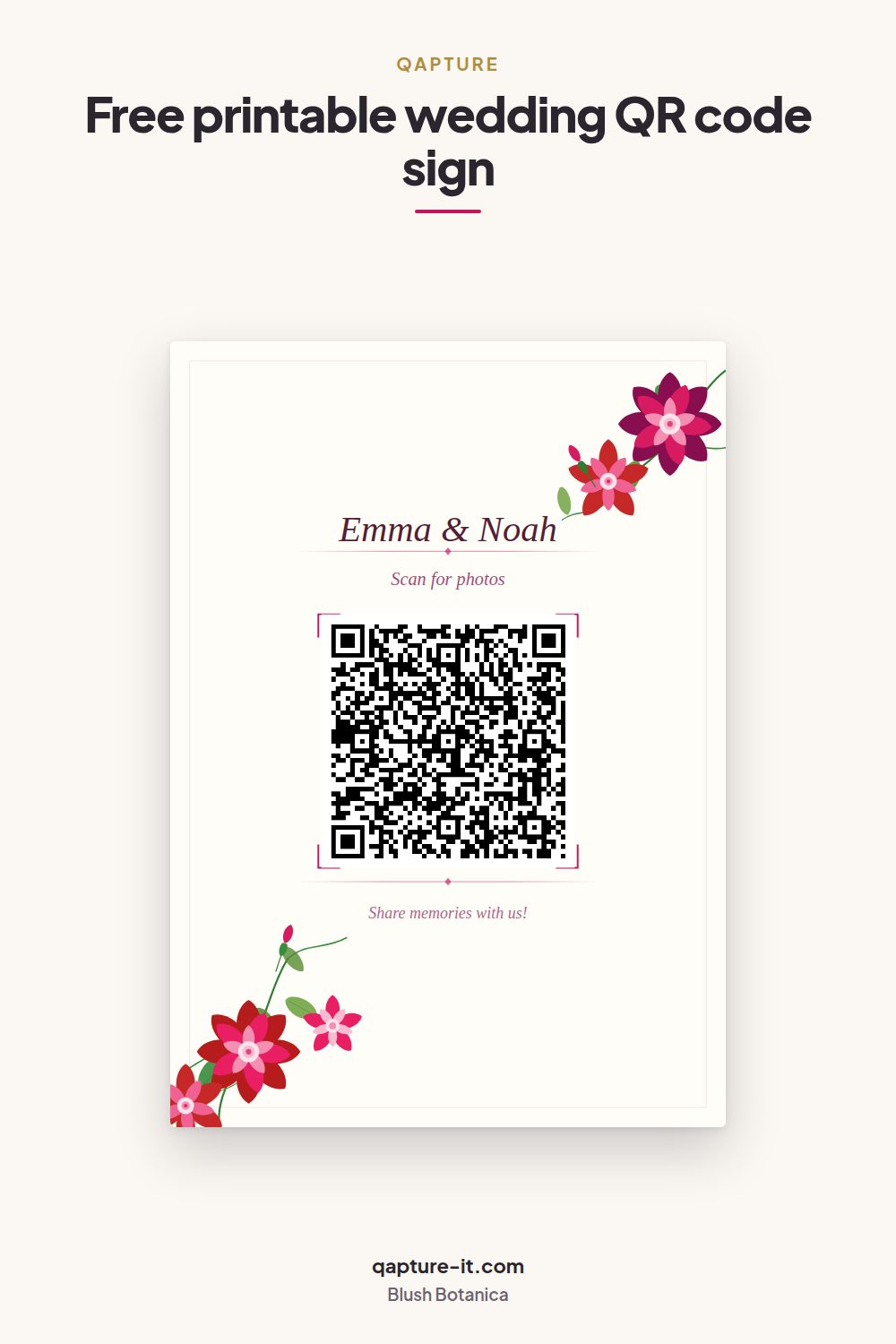
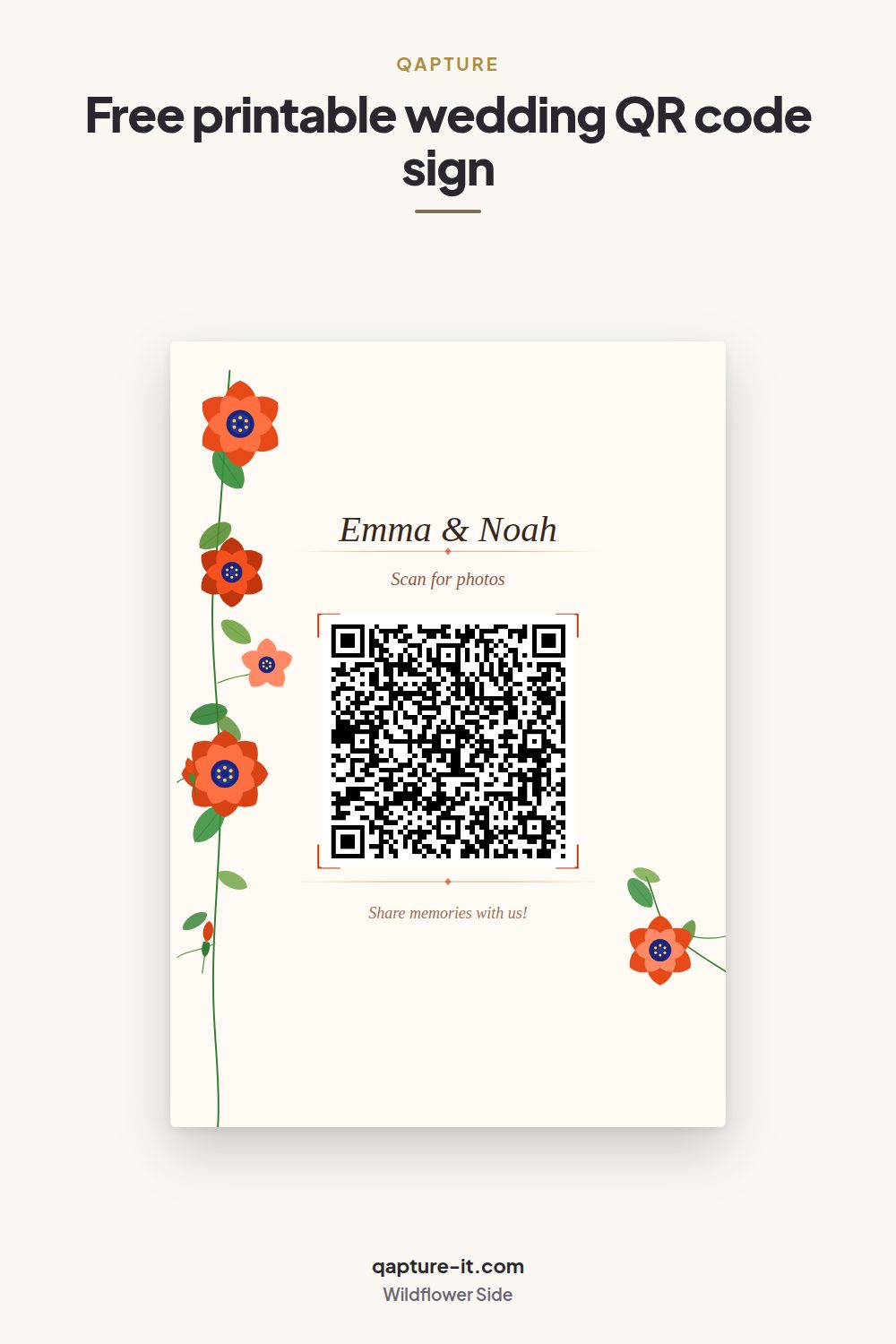
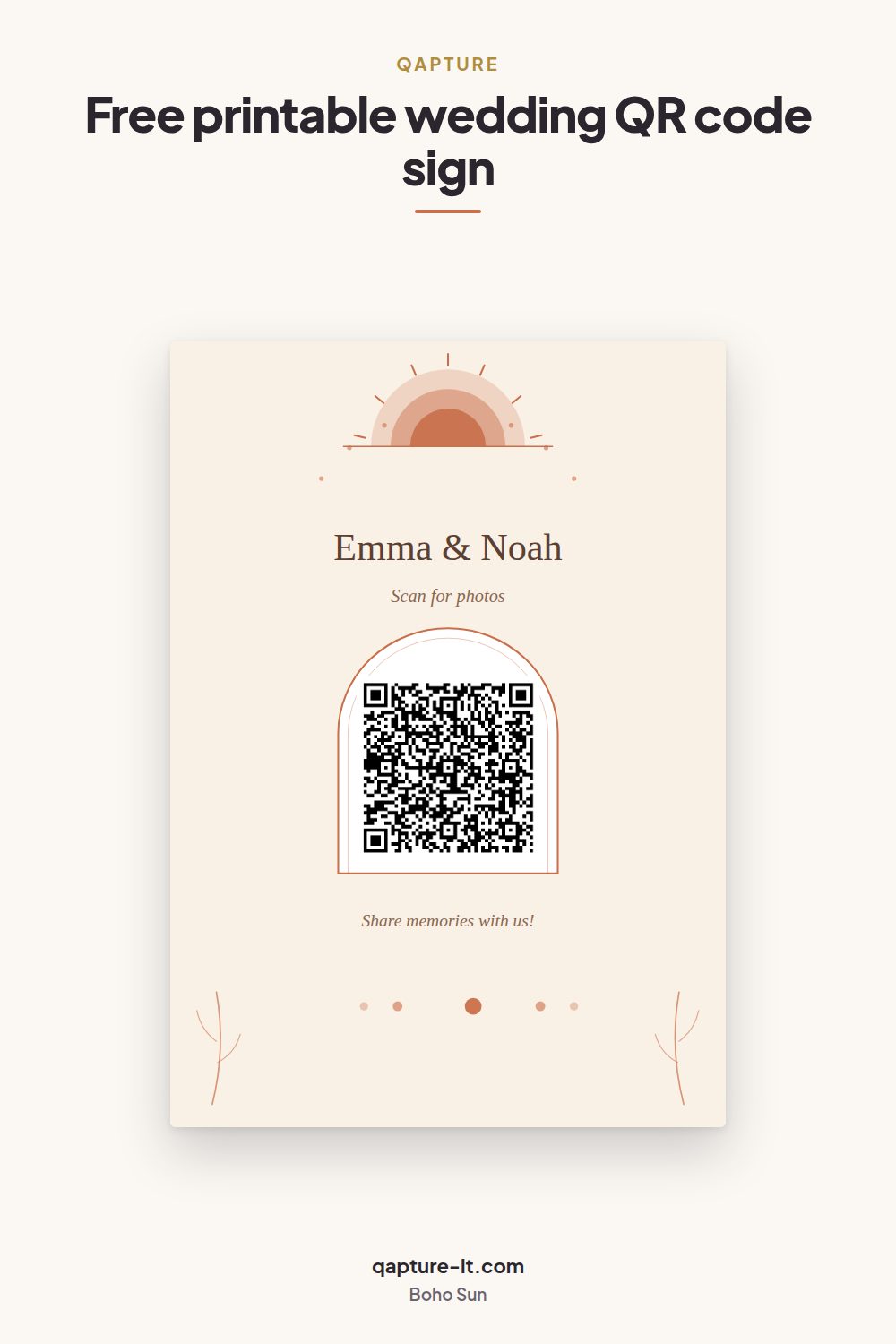
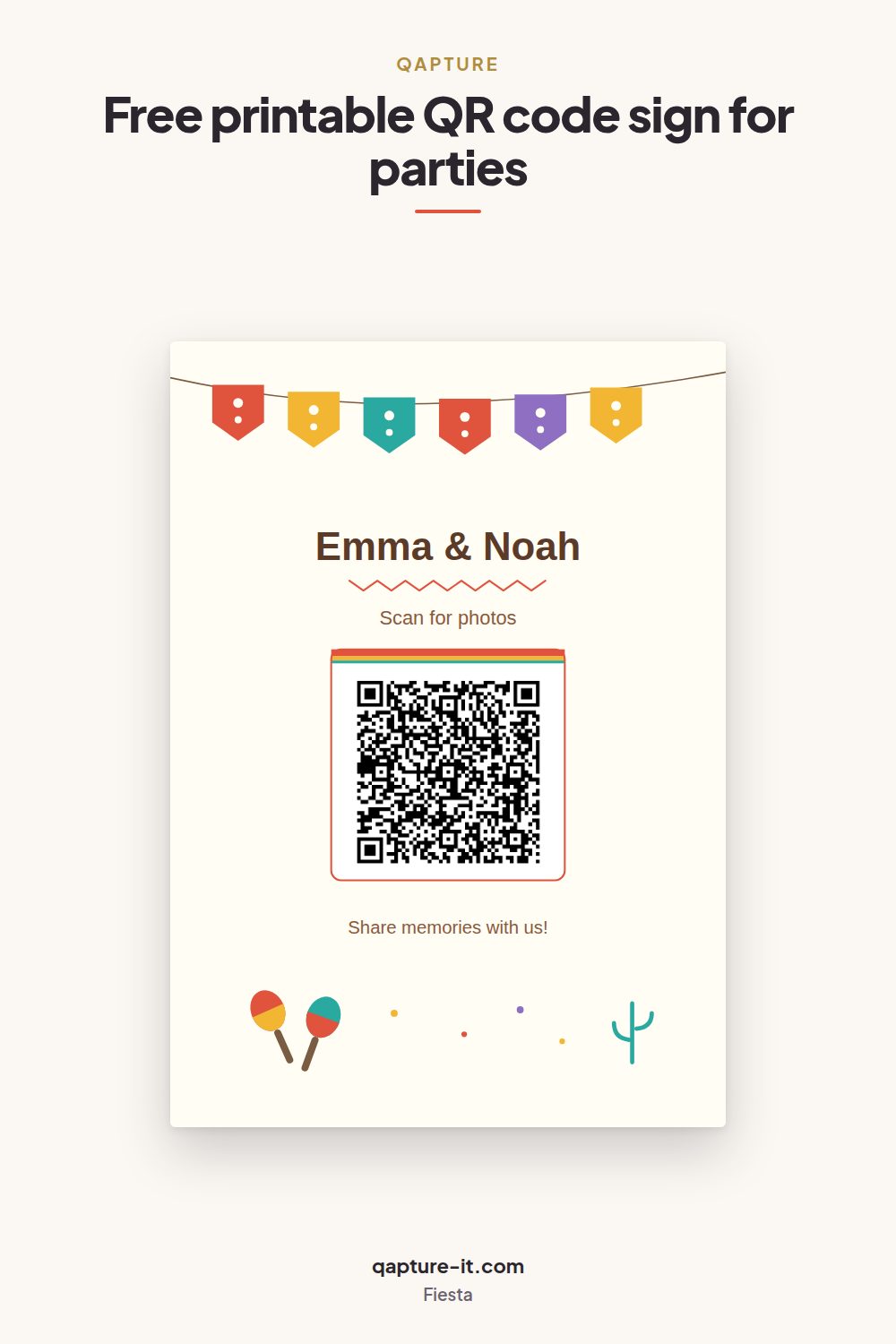
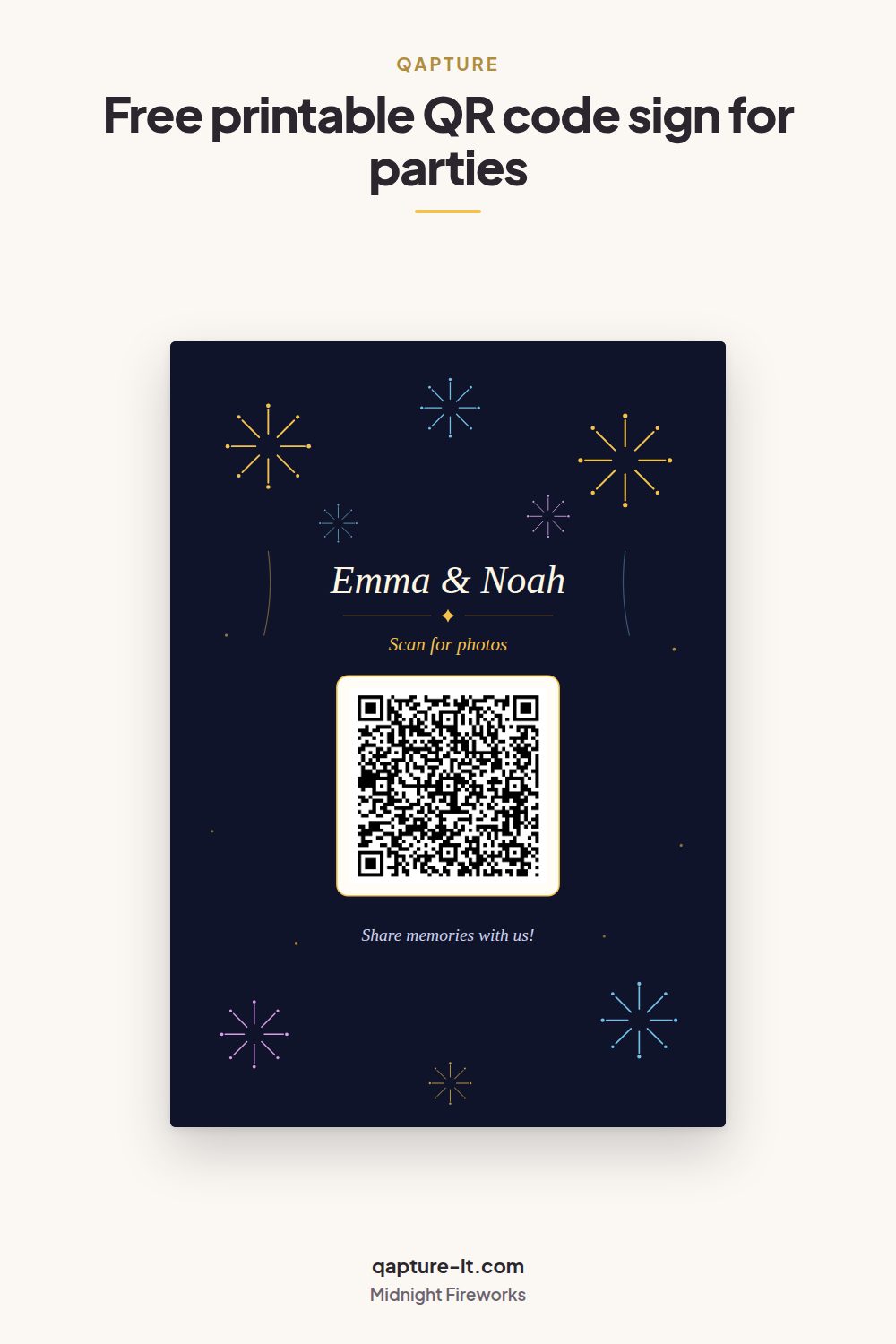
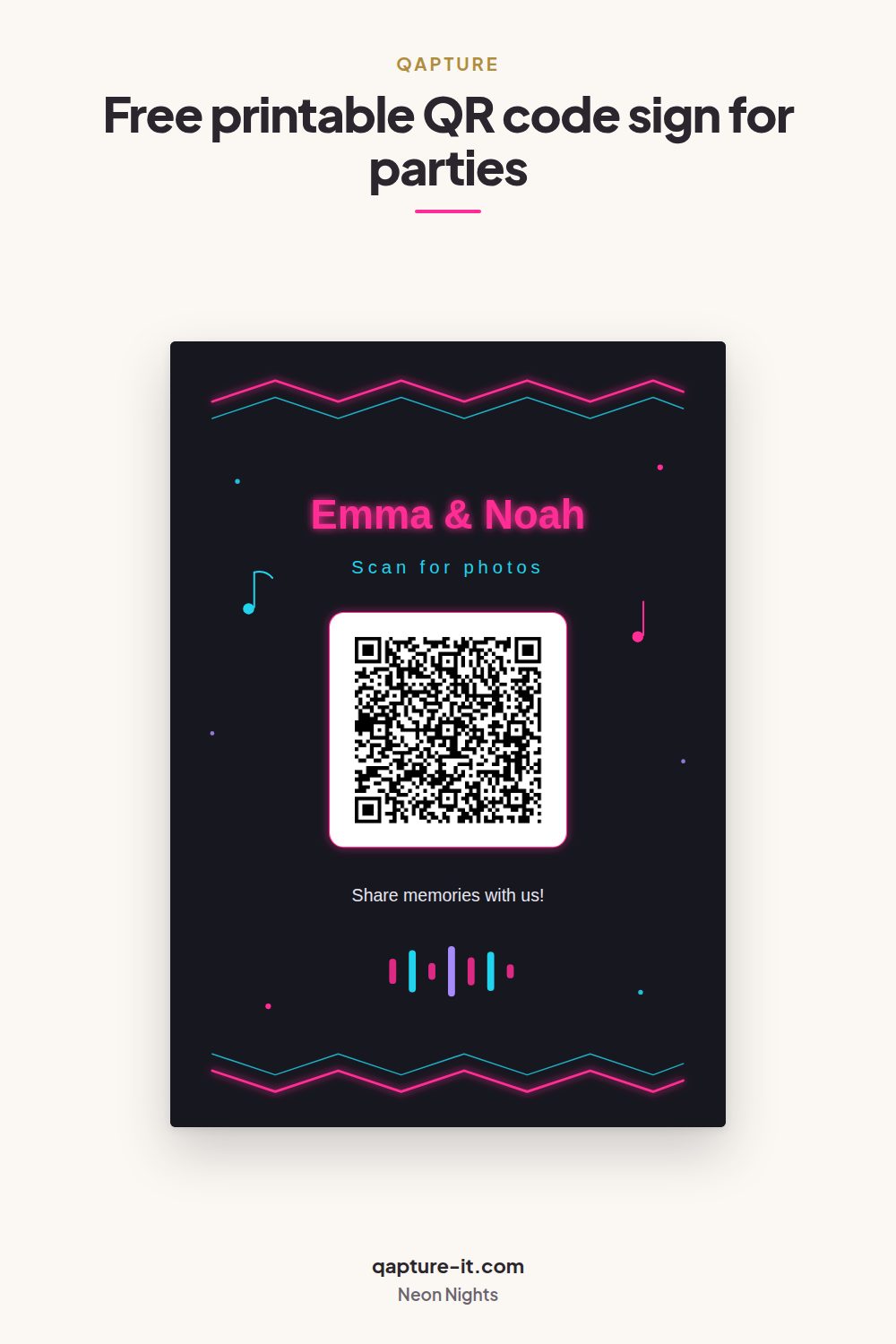
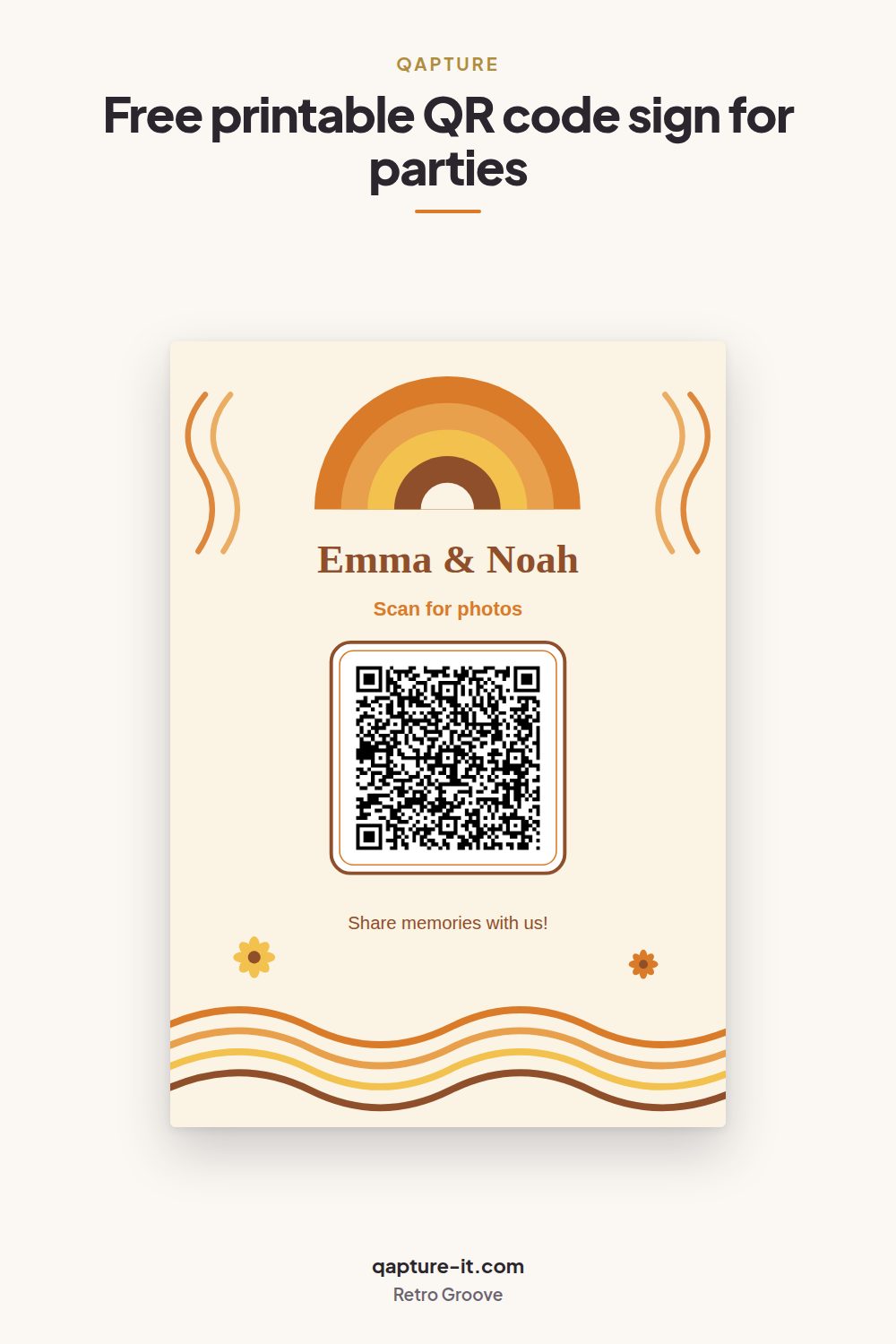
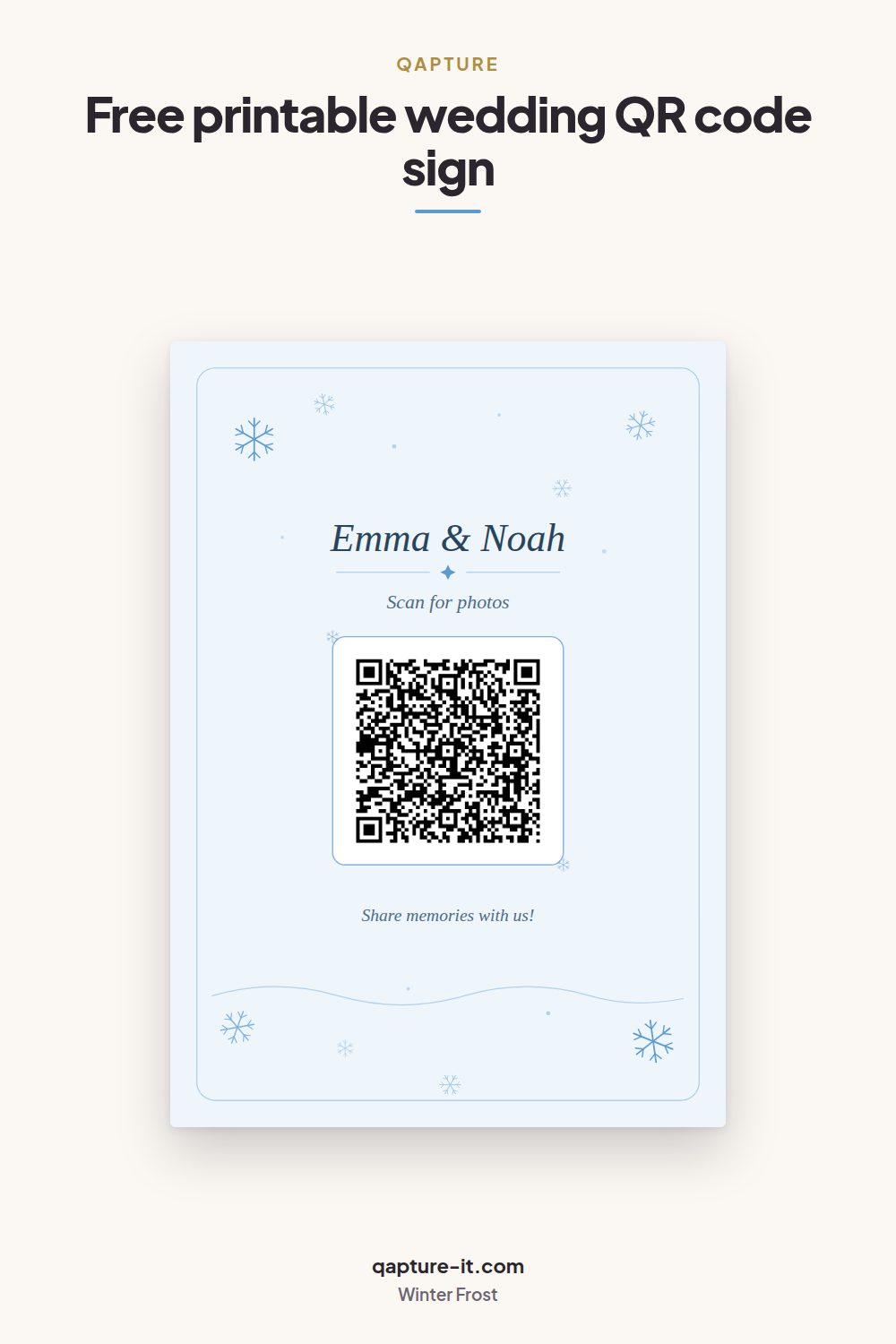
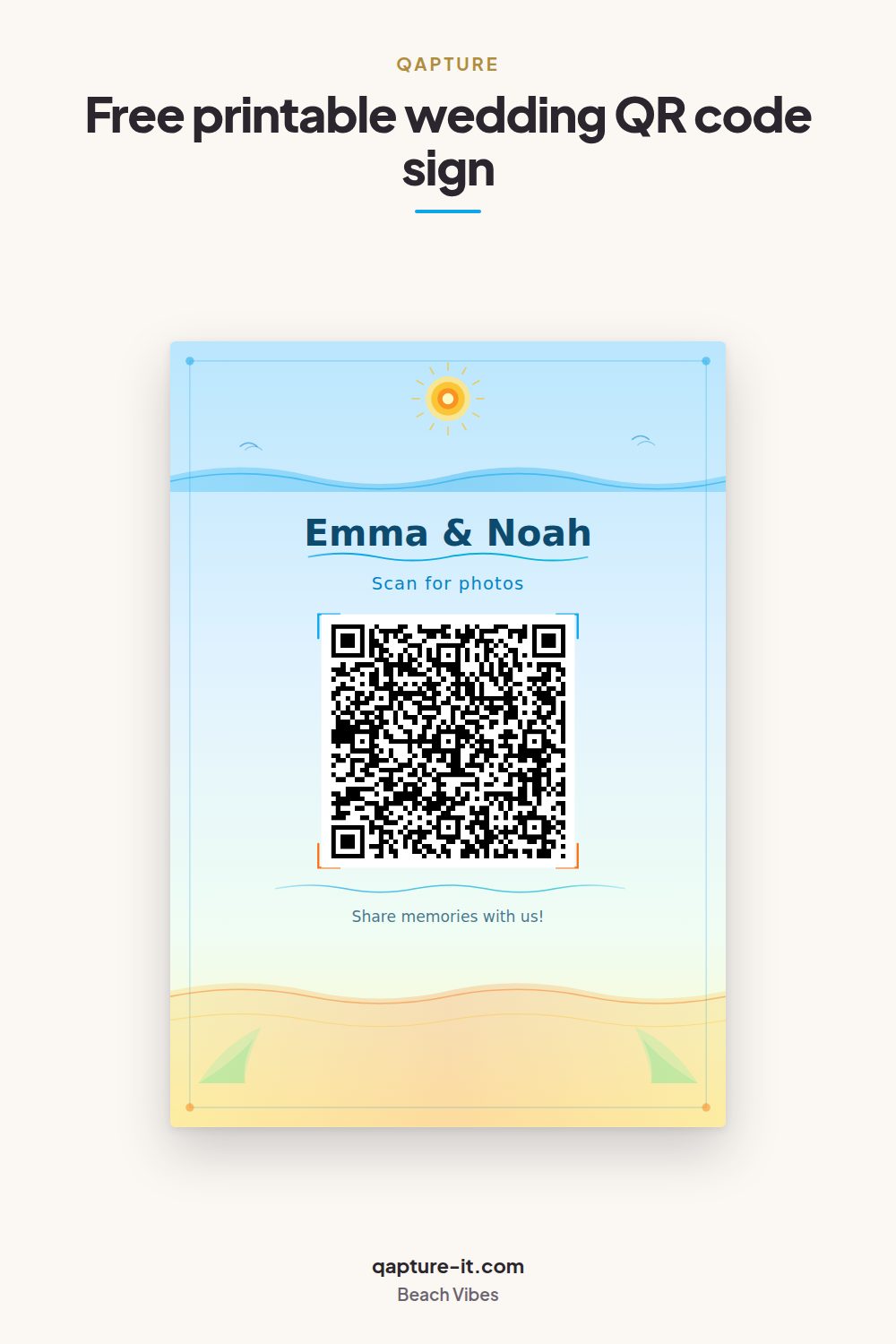
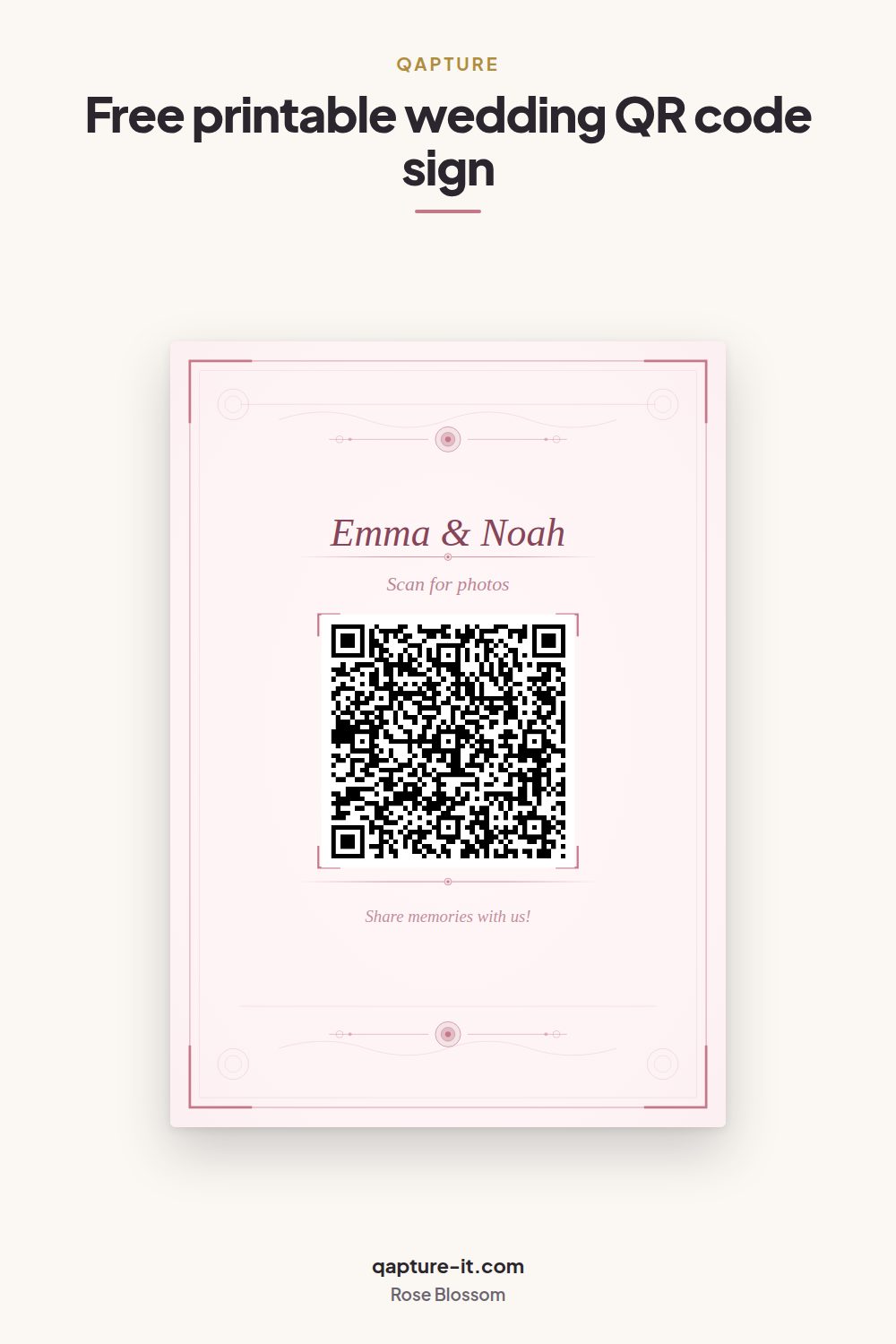
Every card is A4 portrait with the same three editable text lines and the QR code in the middle. Tap a design to open its full-size image, or save it straight to Pinterest and come back to it when you are ready.
Wedding & elegant
Formal receptions, gold and serif, evening venues.
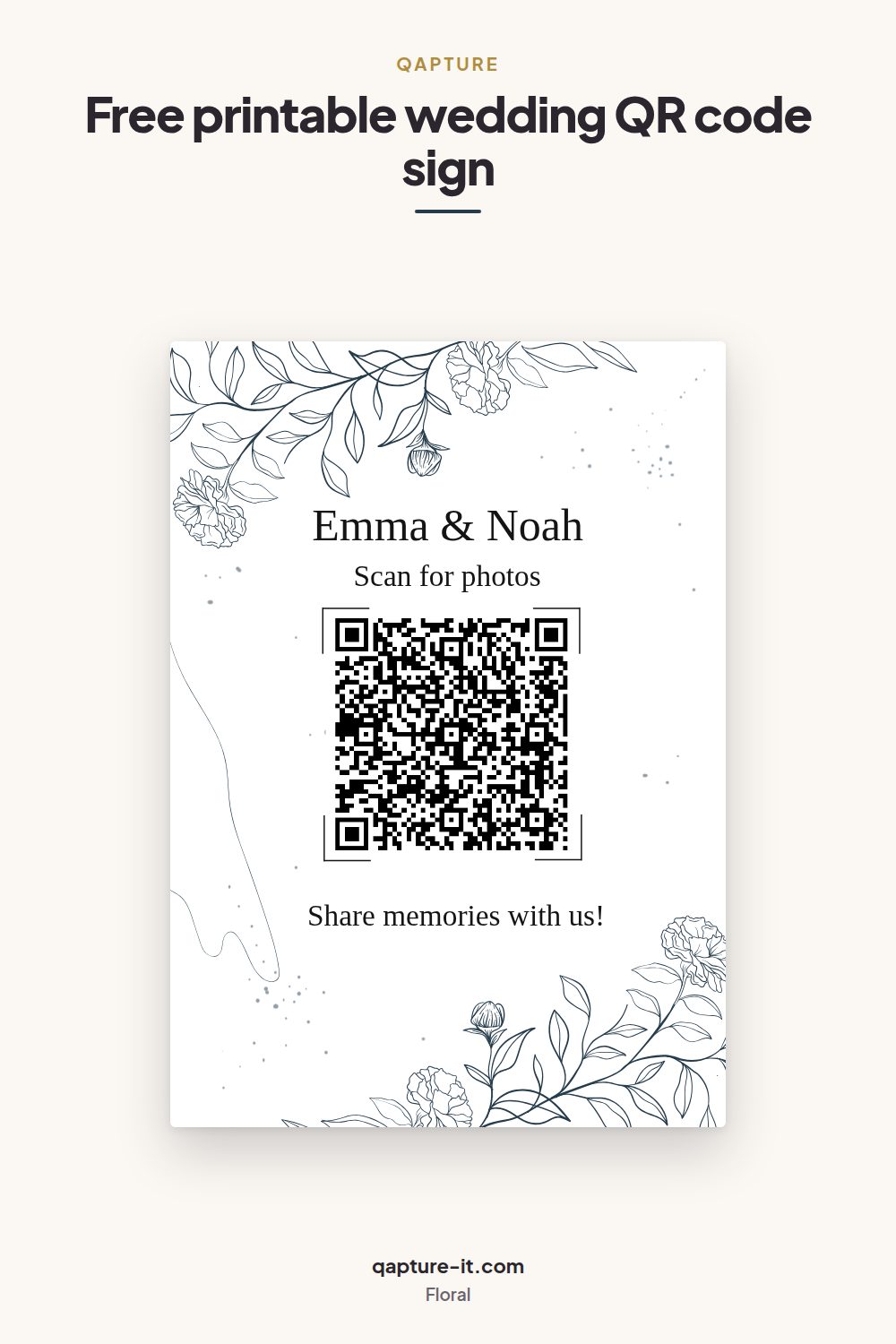
Rustic & botanical
Garden, barn and vineyard weddings; greenery and pressed flowers.
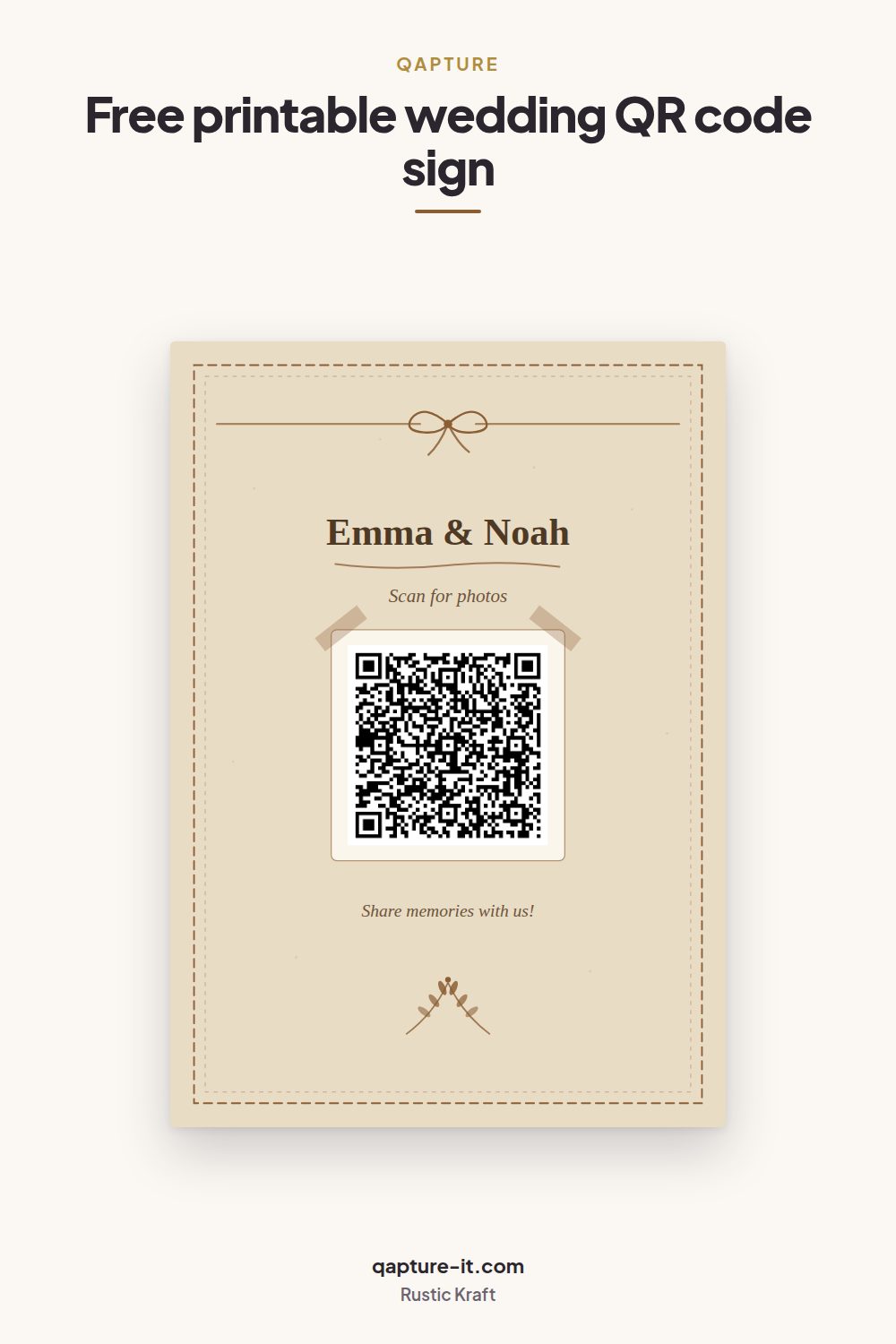
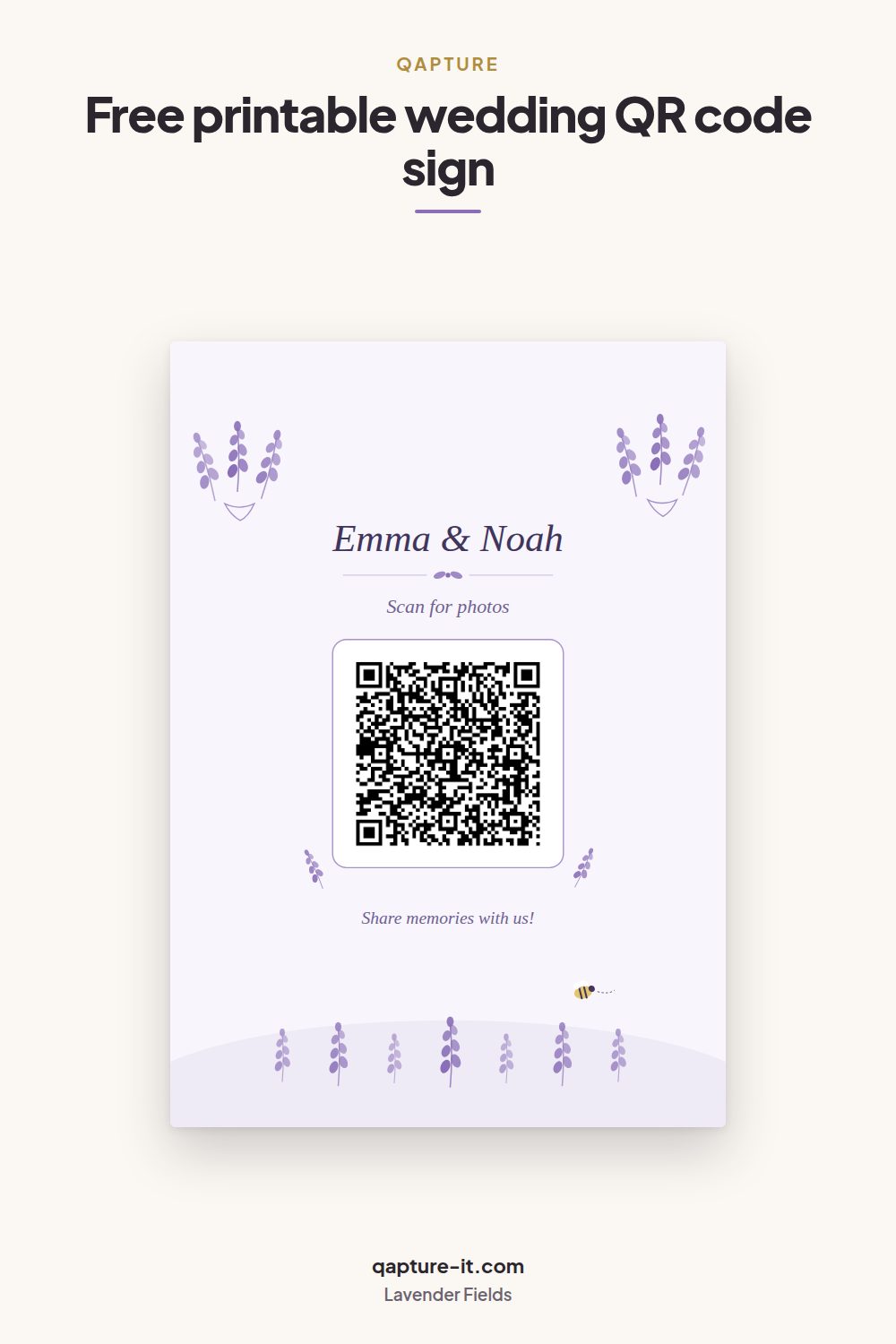
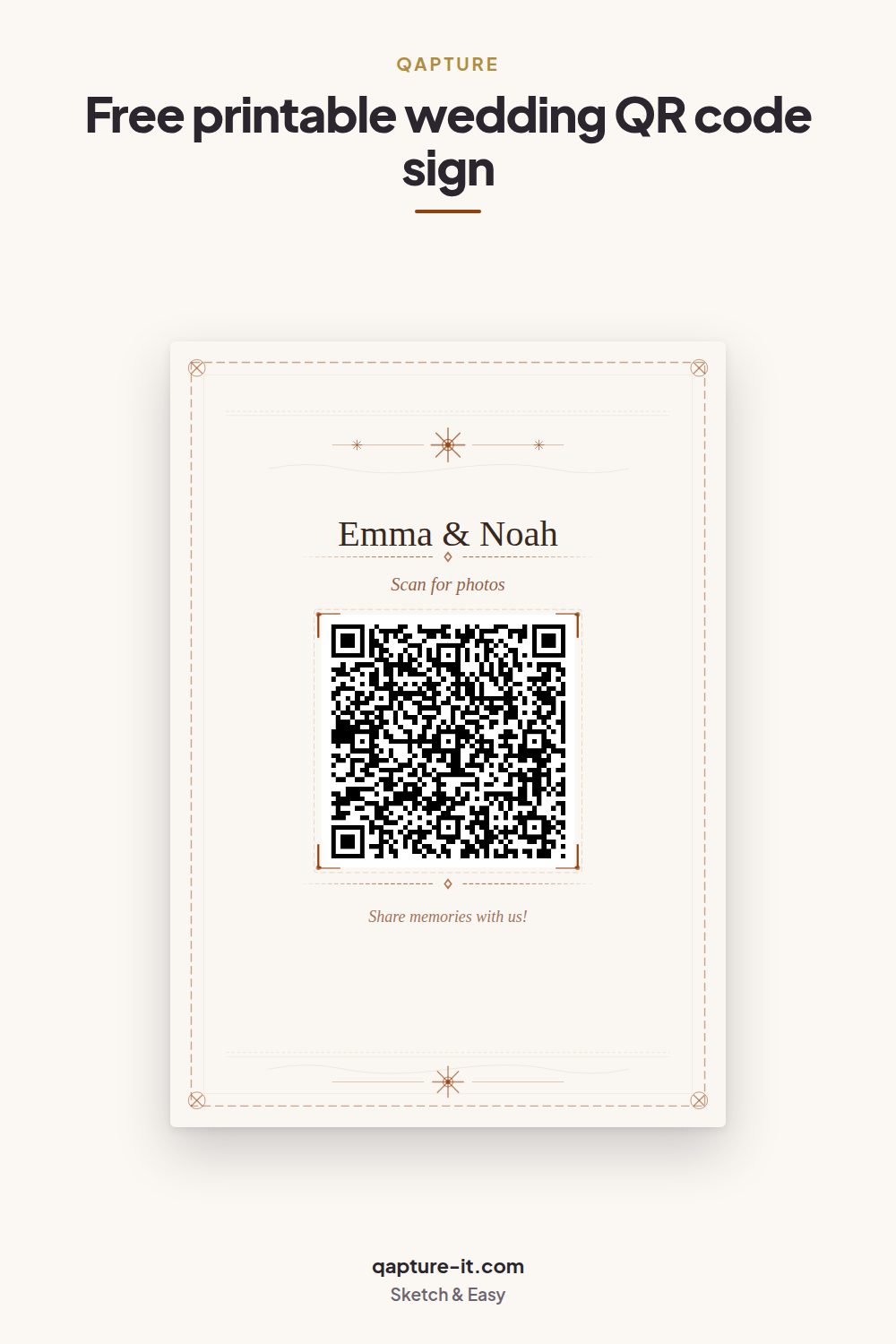
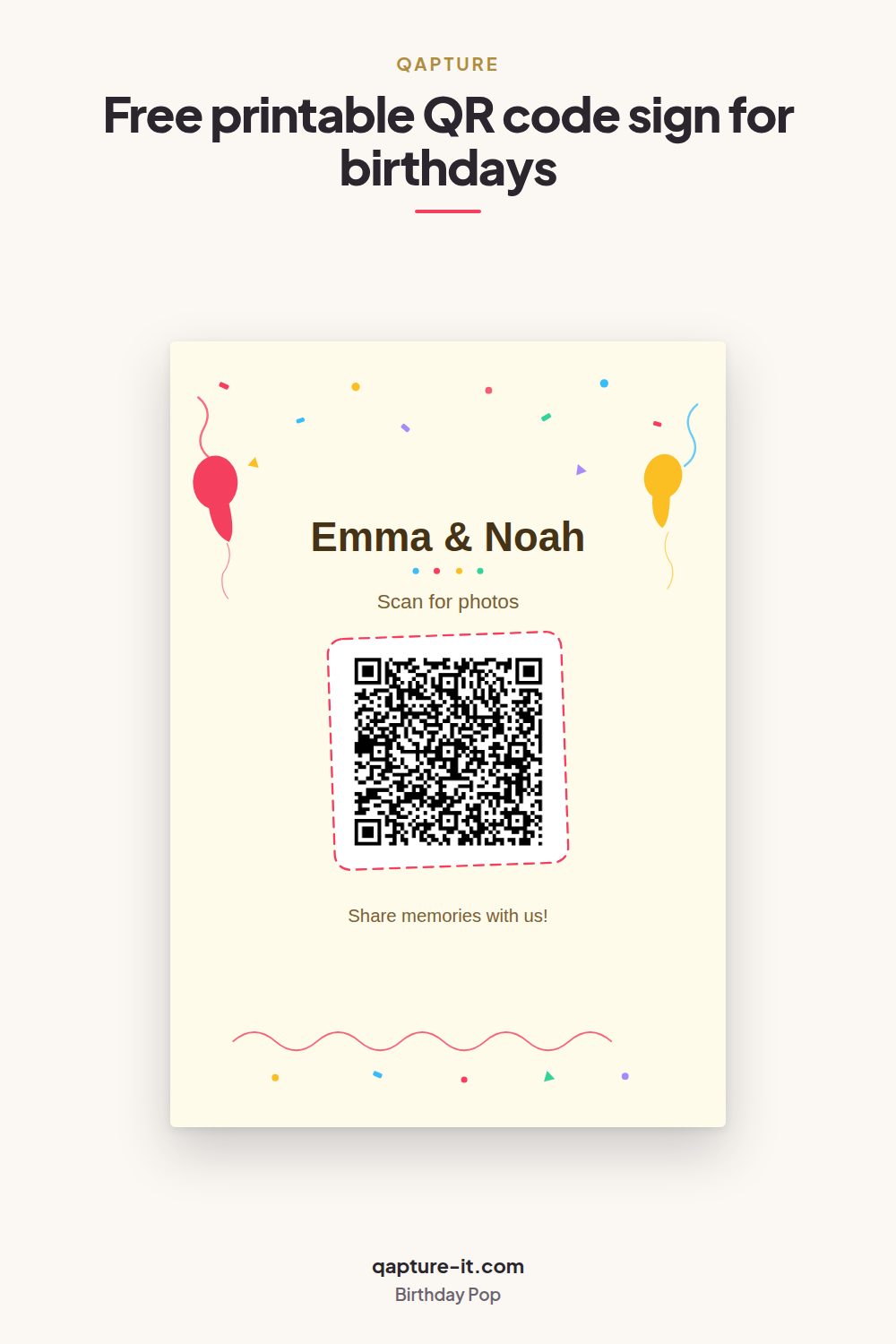
Party & birthday
Birthdays, anniversaries, New Year and anything with a dance floor.
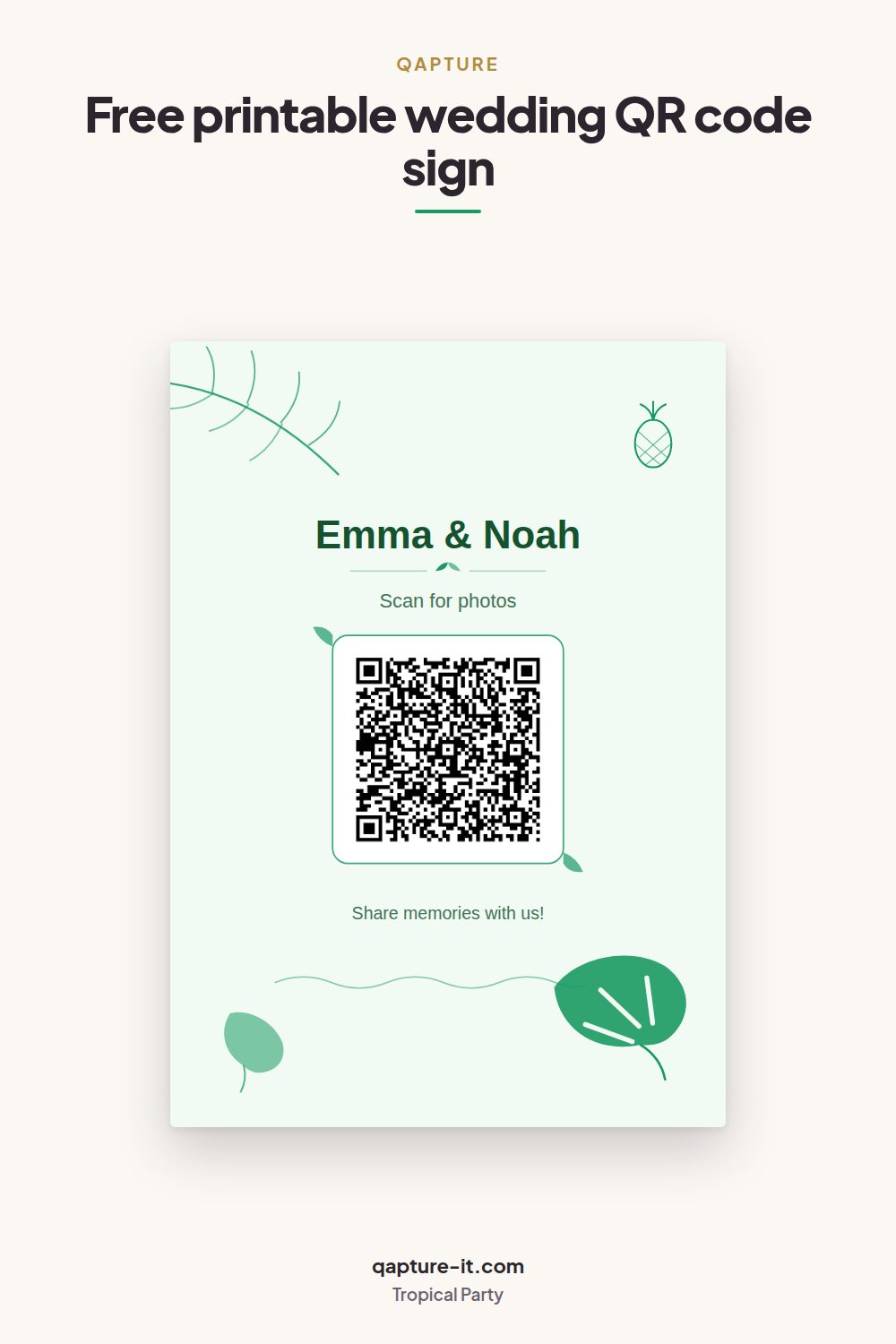
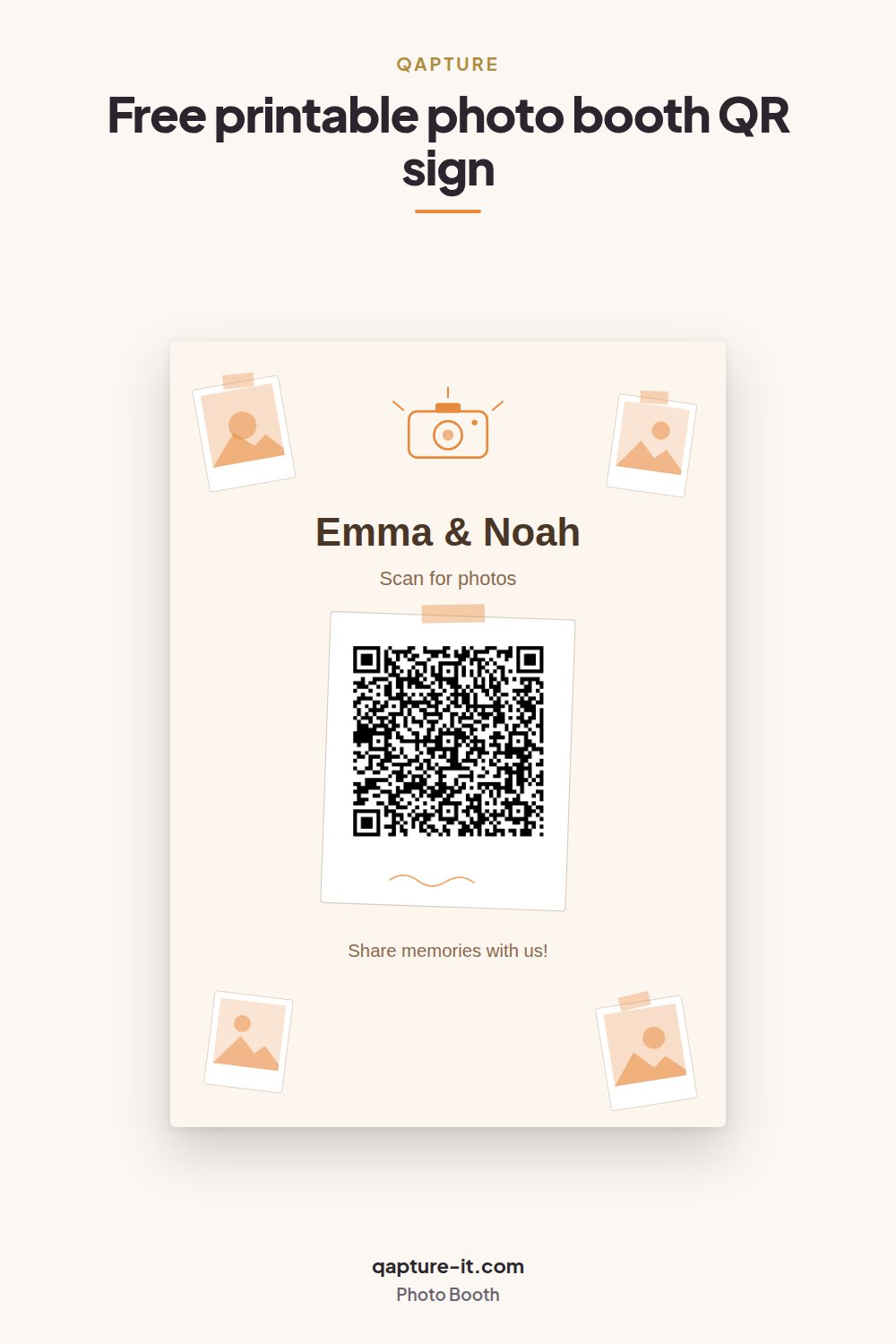
Modern & minimal
Clean layouts that stay readable at two metres.
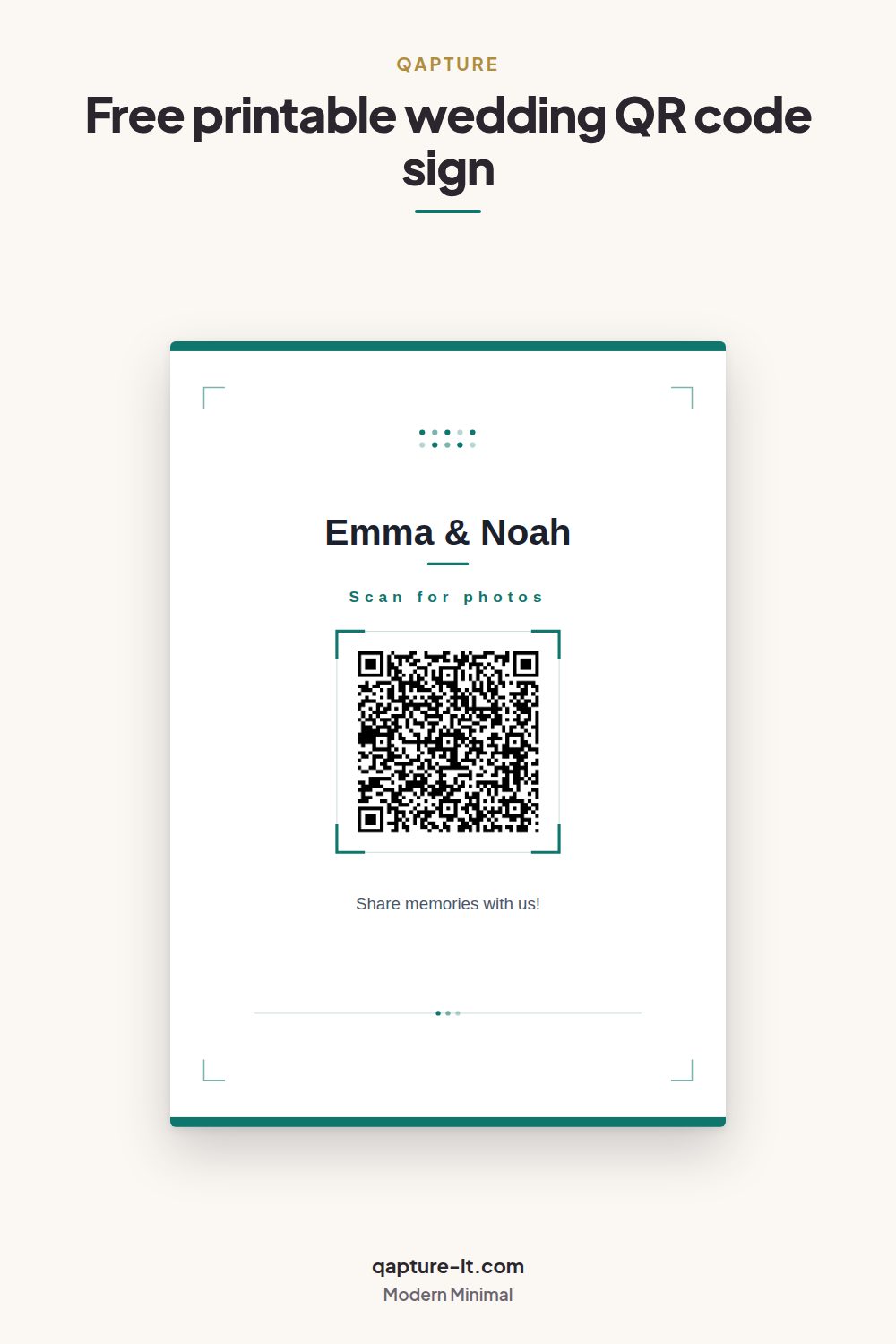
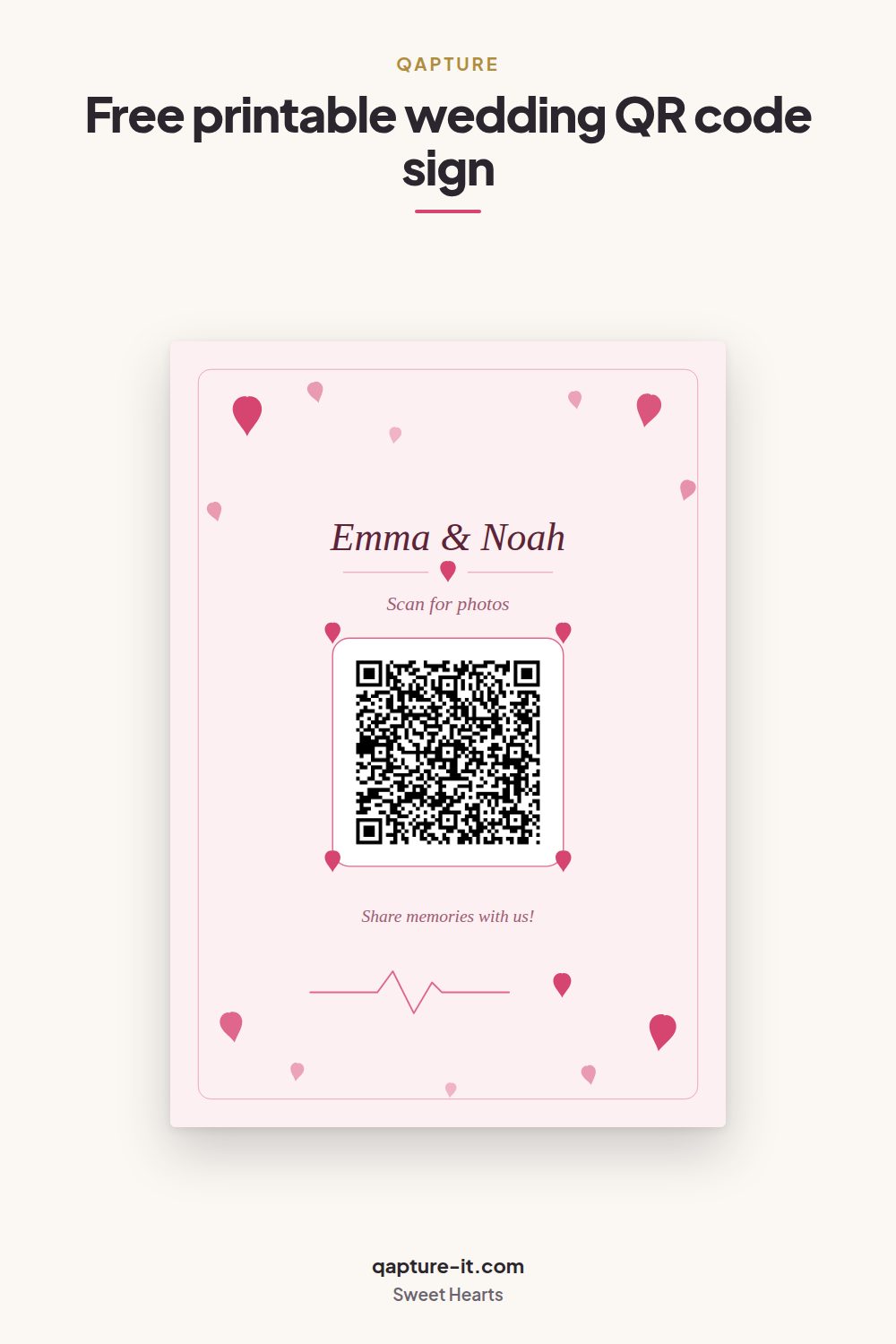
How to print them properly
The card has one job that a normal print does not: it has to be readable by a phone camera, at an angle, in the lighting of an actual venue. That changes a few of the usual answers.
- Paper: 250-300 gsm, matte. Matte matters more than the weight. A glossy sheet under a spotlight throws a highlight across the code and phones stop reading it.
- Print at 100%, not "fit to page". Scaling shrinks the quiet zone around the code, which is the margin the scanner needs to find it at all.
- One card per table, at eye level. A card lying flat competes with plates and glasses. A small acrylic stand or a 13 x 18 cm frame keeps it upright and gets it used.
- Cut to size if you want it smaller. The same file printed at A5 or 13 x 18 cm is sharper than it is at A4, because the same pixels cover less paper.
- Scan the first print before you print twenty. Test it with two different phones, from about a metre away, in the light the room will actually have.
What you can change
Each design has three text lines and two colours, and nothing else moves — which is deliberate, because a layout that can be dragged around is a layout that ends up with the QR code half off the page.
- Title — usually the couple or the event: Emma & Noah, Mia turns 30.
- The line above the code — the instruction: Scan for photos.
- The line below it — the invitation: Share memories with us!
- Accent colour and background colour — match your invitations, or reset to the design's own pair in one click.
If you are still choosing a platform rather than a card, we also wrote an honest comparison of QR code wedding photo apps, ours included.
Where people actually put them
- On every table — the one that matters. Guests scan while they are seated and waiting.
- At the entrance, next to the seating plan, as a welcome sign in a larger frame.
- At the bar, where people stand around with a free hand and a phone.
- In the photo booth, so the booth photos end up in the same album as everything else.
- With the thank-you cards after the event, to collect the photos guests never sent.
Questions people ask
Do guests need an app to use the card?
No. The guest points their phone camera at the QR code and the album opens in the browser they already have. There is nothing to install and no account to create — that is the whole point of the card, and it is why participation stays high even with guests who are not comfortable with new apps.
Are the cards actually free?
Yes. All 27 designs are included on the free plan, which holds 50 photos and videos per album with unlimited guests. Premium is a one-time EUR 39.99 per event and lifts the upload cap; it does not unlock extra card designs, because they are not held back in the first place.
What paper should I print them on?
250-300 gsm matte card stock. Matte matters more than weight: a glossy sheet under a venue's spotlights throws a reflection across the QR code and phones stop reading it. Plain office paper works for a test print but curls in a table stand by the end of the evening.
Can I change the text and the colours?
Yes. The title, the line above the code and the line below it are all editable, and you can set the accent colour and the background colour on any design. Every design ships with a colour pair that already works, so changing nothing is a valid choice.
What size and resolution do I get?
The card downloads as an A4 portrait PNG at 1587 x 2245 pixels, which is roughly 190 dpi printed at full A4 and prints cleanly on a home printer. Printing the same file at A5 or at 13 x 18 cm puts it near 270-380 dpi, which is the range a commercial print shop asks for.
Will the QR code still work if I change the album later?
Yes. The code encodes your album's permanent share link, so renaming the album, swapping the cover photo, changing who may upload or download, or upgrading to Premium all leave the printed cards working. Cards you printed in March still open the album in September.
Get your own cards
Create an album, pick a design, download the card. It takes about a minute and costs nothing.
Create a free albumFree plan: 50 photos and videos per album, unlimited guests. Premium is EUR 39.99 once per event — no subscription.